Google Maps - Great for viewing, directions, weather patterns, Moon phases, and Measurements. Does Not Save!
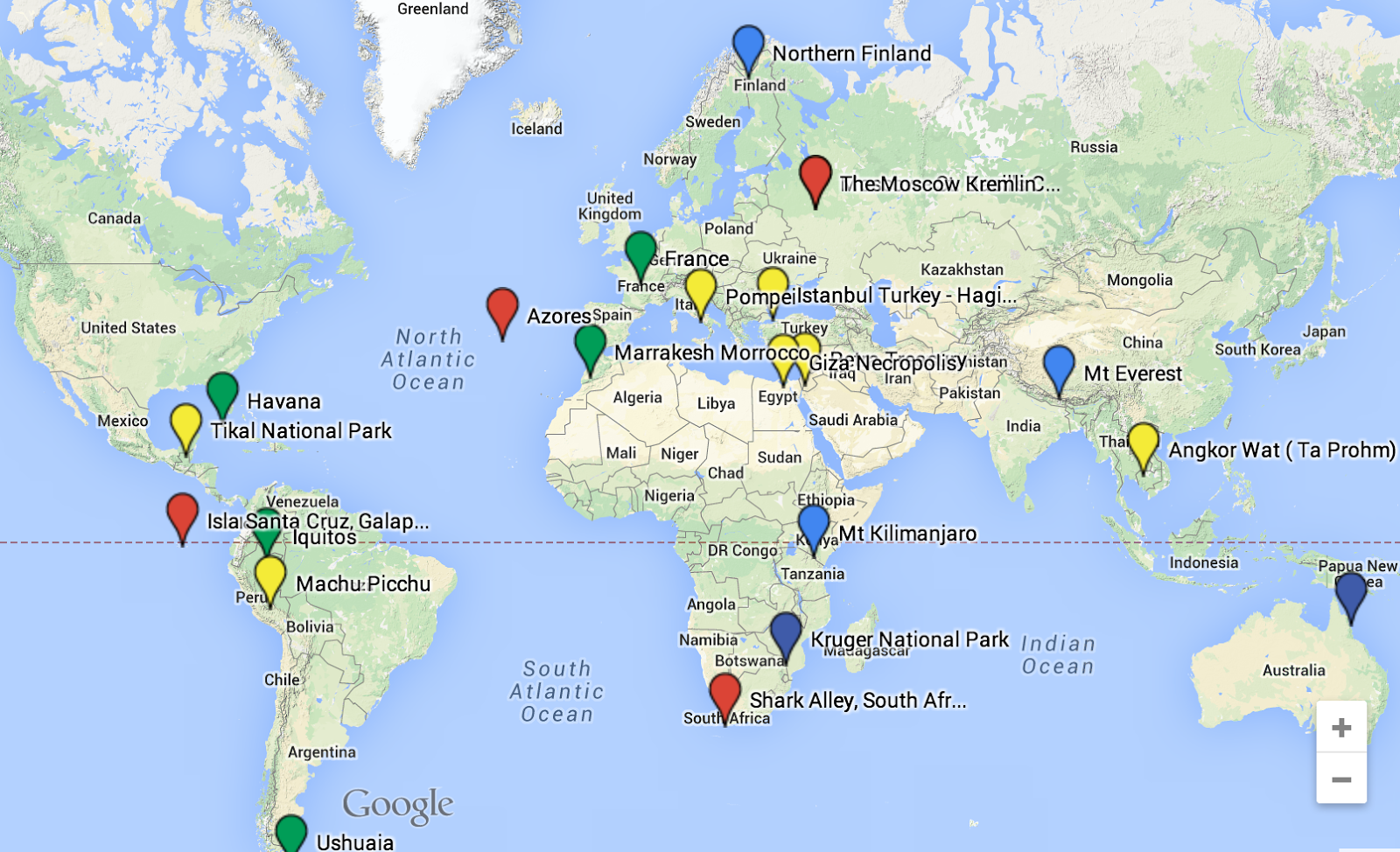
Google My Maps - Most Google Maps tools, plus the ability to Collaborate, Share and Save. Add multiple Layers, images and videos to your map and places.
Google Tour Builder- Create an ordered tour with locations, text, images and videos.
It is now possible to use Chromeboooks to create tours. However, Tours will look and work better if created and played on a different web browser. Chrome OS does not allow 3-D tours.
How often do you mention locations in class without showing students where that location actually is? The Internet has revolutionized the way that we get directions, and now maps can be easily integrated into any course, topic or project. Everything takes place somewhere, now you can show it on a map.
How to Convert a Google Earth Tour For Use On A Chromebook
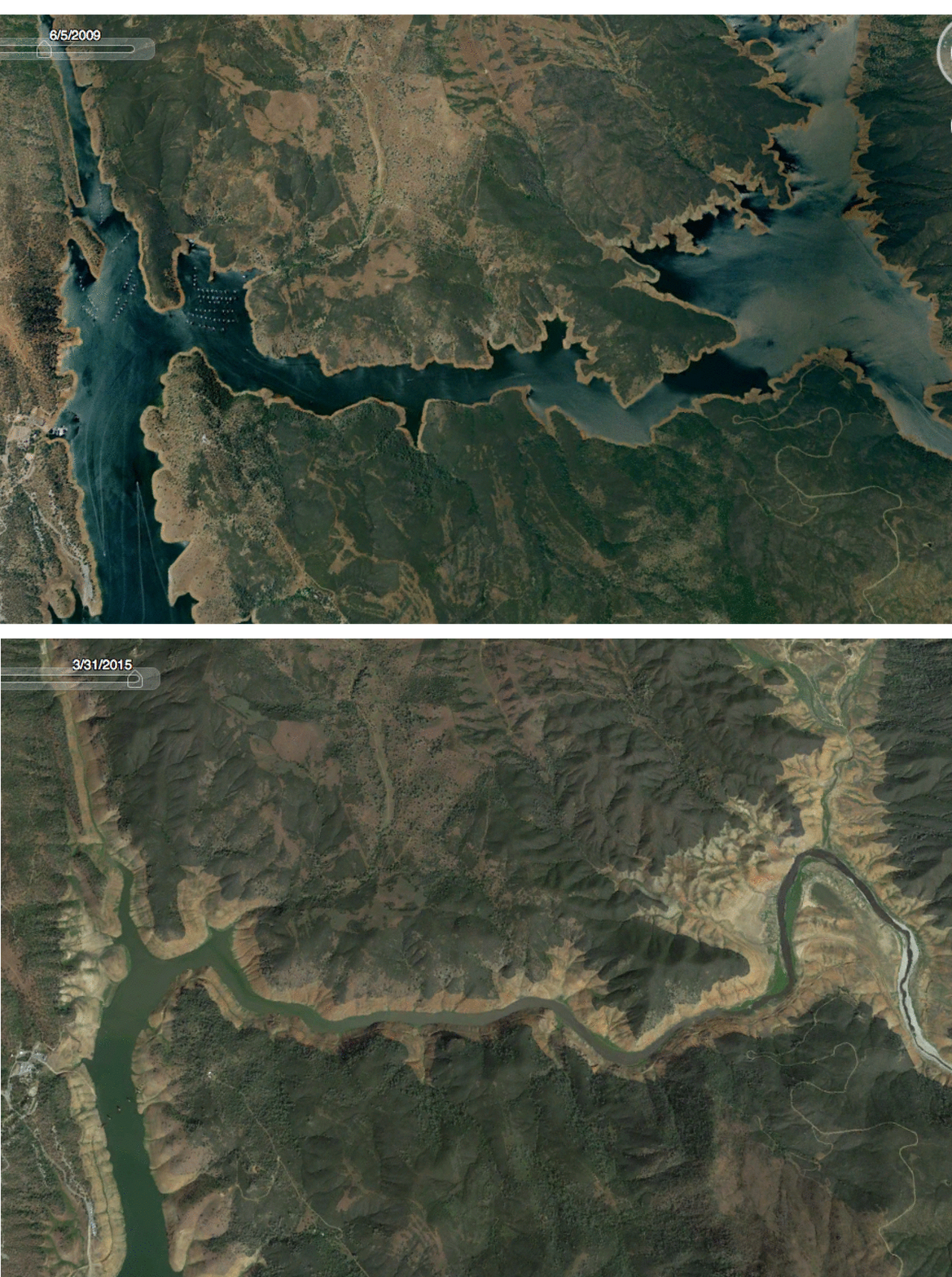
I love my Samsung Chromebook! Sure, it does not have all the bells and whistles that my macbookdoes but it's light, durable, CHEAP and does almost everything I need it to do. However, I have always been frustrated that it is not possible to run Google Earth on the Chromebook. As a former geography teacher Google Earth gave my class access to the world. As Chromebooks continue to fill classrooms around the country it is important to know how you can convert tours and lit trips that have been created using Google Earth onto My Maps (formerly maps engine lite) which is accessible to Chromebooks. Google Lit Trips