Take The Pledge
Check out some new resources from Google's "Be Internet Awesome" and The California Department of Education

Elementary Secondary
For More Lesson Plans, Games and Resources



 To add the image, take a screenshot of it or right click to copy. (Or create your own!) Tutorial video on how to take a screenshot using Snagit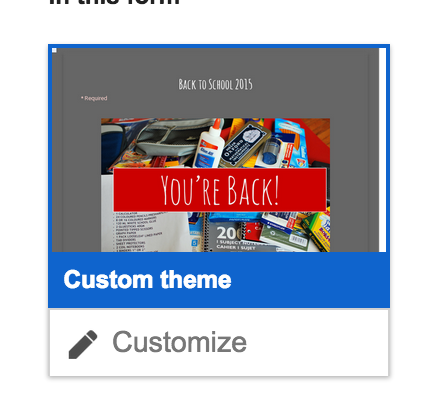
 |
Tech For Instruction
|
Tech For Making Your Life Better
|
*There’s A Map 4 That
 |
*7 Things to know - Google Forms
 |
*Digital Formative Assessments
 |
*Google Sites
 |
 |
 |
*Edpuzzle
 |
*Workflow and Extensions
 |
 |
*Flipped Learning
 |
 |
*Digital Portfolios
 |
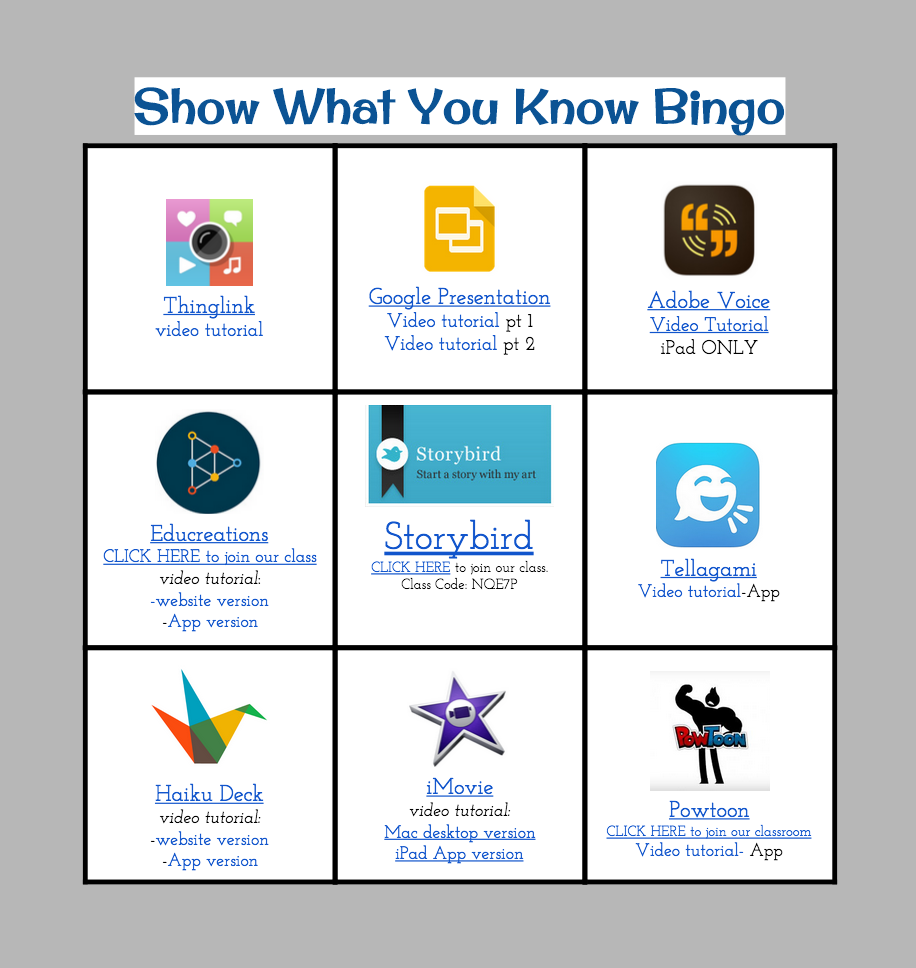
*Show What You Know
 |
*YouTube
 |
*HyperDocs and Multimedia text sets
 |
*Twitter
 |
Extensions: Shortcuts that perform a function, located at the top right of your browser.
Application: Stored in your Apps, shortcuts for programs with more developed user interfaces.
All will help you
| ||
Shortened URLS
| 
Customize and shorten your URL - bit
| 
Shorten URLs and create QR Codes to Scan
|

Open a window listing tabs when you have too many open
| 
Create sets of tabs to open together
| |
Images
| 
Take Screenshots and Annotate on them
| 
Edit Photos and Images
|
Makes Life Better
| 
Remove Ads and junk on text
| 
Block ads on web pages
|
Makes Life Even Better
| 
Create Docs in one click!
| 
Save an entire webpage as a PDF
|
Video’s
|  | 
Import Slides and create a video presentation
|
Text To Speech &
Speech To Text
| 
Convert Text To Speech
| 
This App opens a notepad that will transcribe your voice. The notes can be copied and pasted over on a google doc
|
Literacy Tools
| 
Create a citation for a site
| 
Annotate Text, annotations can be copied to a notepad
|
Literacy Tools
|
Annotate Text, and Save notes and links.
| 
Students can create graphic organizers, and Charts in Google Docs.
|
Form Add-Ons
| 
Mail Merge Form Responses to a Doc
| 
Create Automated E-mails from a spreadsheet list.
|
Not Chrome But Super Useful
|   | |