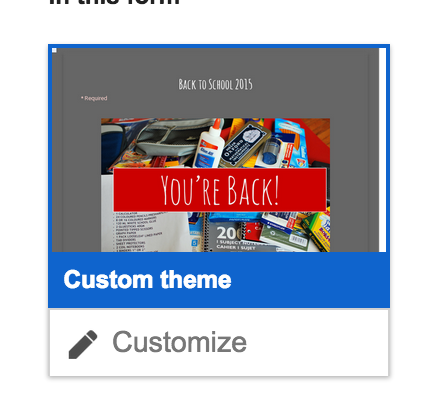
Welcome back to school! I'm looking forward to a year of creating and sharing new ideas and applications for integrating technology into pieces of your curricumum. As you start back with your students, I wanted to share a lesson that you can use with just a little bit of work on your part.
Engage your students to share a little about themselves without to many teacher led instructions using this amazing video by John Spencer and a Google Form to package student responses.
Unfortunately, you can not share the form I created with your students or you won't receive their replies. You also can not make a copy of the form I created, but below are some instructions on how to recreate it yourself.
Start by creating a new form. Not sure how? Click HERE for a video tutorial to help. I did not make all questions mandatory in case students didn’t want to share 5 things.
To add the image, take a screenshot of it or right click to copy. (Or create your own!) Tutorial video on how to take a screenshot using Snagit
To insert an image or a video in a form, click on add item and select either image or video. Once you put the item in, click on it to resize. You can also center it. Add a section header for more instructions if you want.


 To add the image, take a screenshot of it or right click to copy. (Or create your own!) Tutorial video on how to take a screenshot using Snagit